

Climbers crave a special kind of immersion in the landscape. To be a small dot on a steep rock face, barely visible even through binoculars from the meadow below.
There's more to the day than the route itself, though: the approach, often in the dark, and the rappels and walk-offs in fading light. Most tech either pulls you out of the experience or tells only part of the story. COROS Outdoor Climb Mode captures all of it.
Quick Start Guide
- On your watch, open the activity list and choose Outdoor Climb. The first time, you'll pick your grade system. You can change it later in Settings.
- Before you leave home, open the COROS app, go to Profile, select your watch and download the Climbing Route Library. It currently covers US routes, with more regions coming soon. It's also helpful to set your lock preference before you leave the house.
- Start the activity at the trailhead, so the watch has a strong GPS lock before you reach the wall.
- At the base, press the dial to move from Approach into Climb.
- At each anchor, unlock the watch and press the dial to log the route, grade and send style.
- When you're done climbing, press the dial and switch to Descend for the walk-off or rappels.
- Sync to the COROS app to review your whole day.
One Activity Captures Every Phase
Outdoor Climb Mode is built for roped climbing on rock, ice, mixed and alpine terrain. It splits your day into three main phases: Approach, Climb and Descend. Inside the Climb phase, the watch also tracks a short Preparation step at the base and Rest periods between pitches, so belays and racking up don't blur your climbing time.
Approach
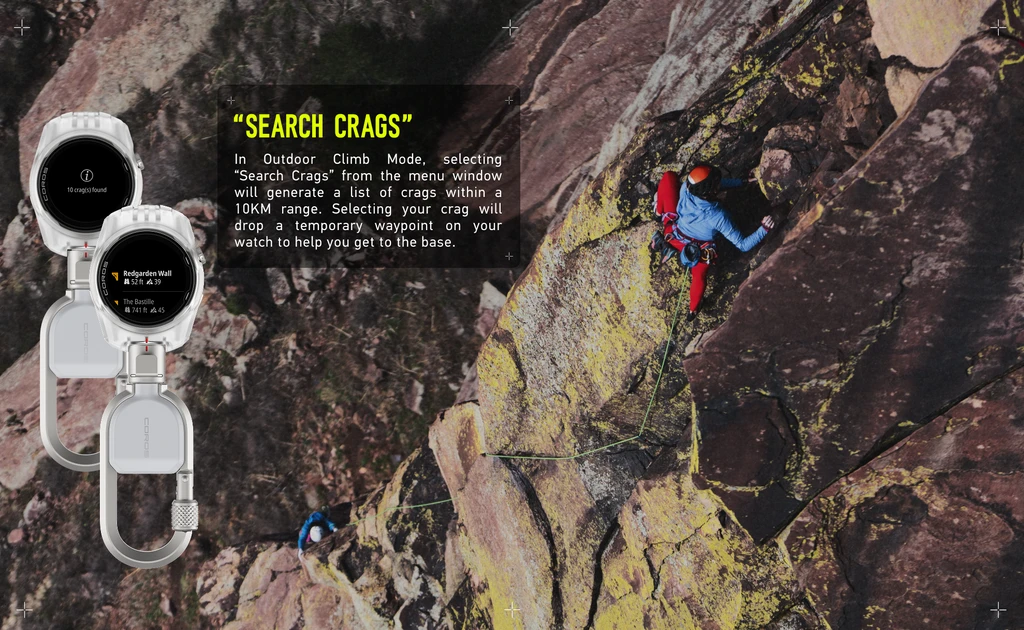
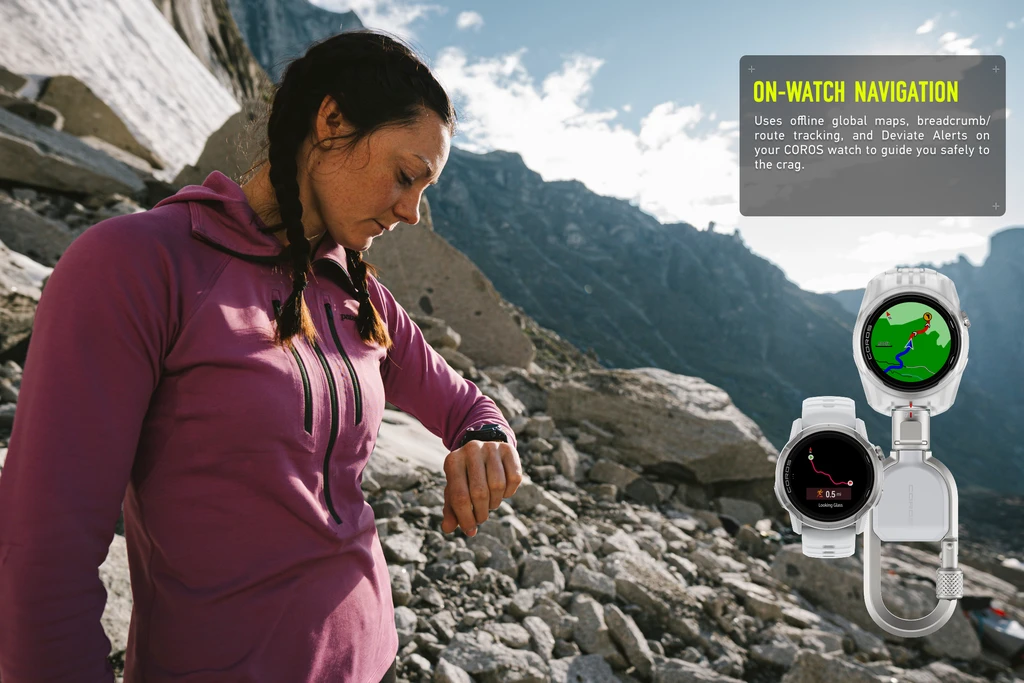
Start the activity at the trailhead and the watch begins in Approach mode, optimized for hiking and navigation. Load a navigation track to guide you to the crag, or use "Search Crags" to drop a temporary waypoint on your watch's map and stay oriented on the trail. On the move, GPS tracks your route to the base with distance, pace, elevation gain and heart rate.
Climb
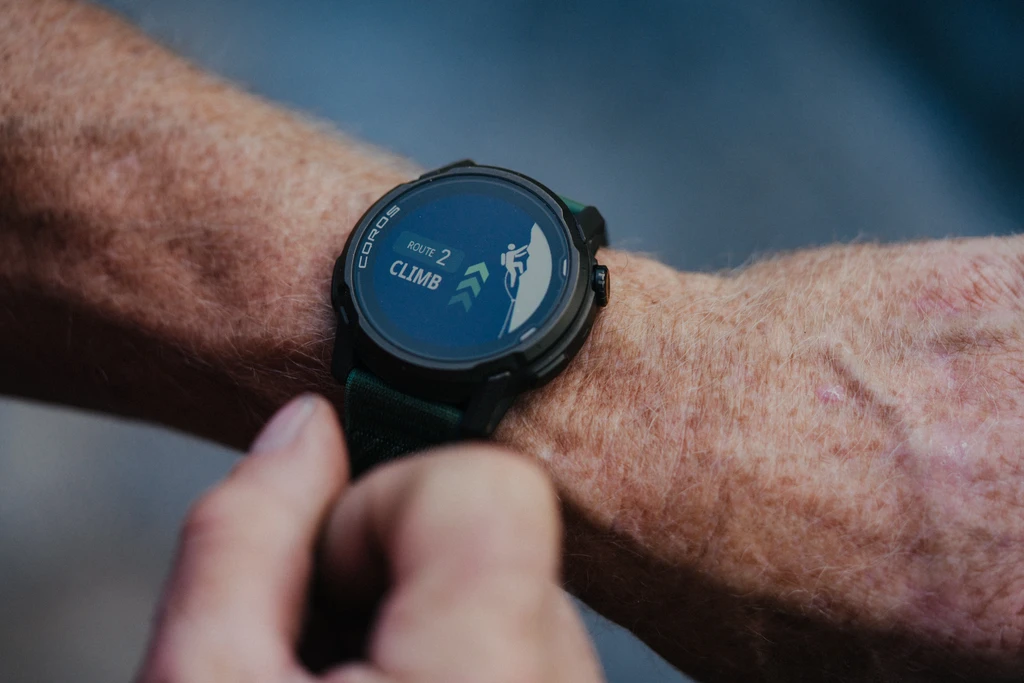
At the base, press the dial and select "Climb," then "Preparation." This ends the hiking phase while you rack up and flake the rope. Once you've checked knots and the belay device, press the dial and select "Climb Now" a second time to start the route.
If you've downloaded the Climbing Route Library, the watch lists routes near you. Pick yours and set off, and the route name and pitch grade are logged for you. Not listed? Choose "Unlisted Route" and rename it in the app later. To get the library, open the COROS app, go to Profile, select your watch and scroll to Climbing Route Library.
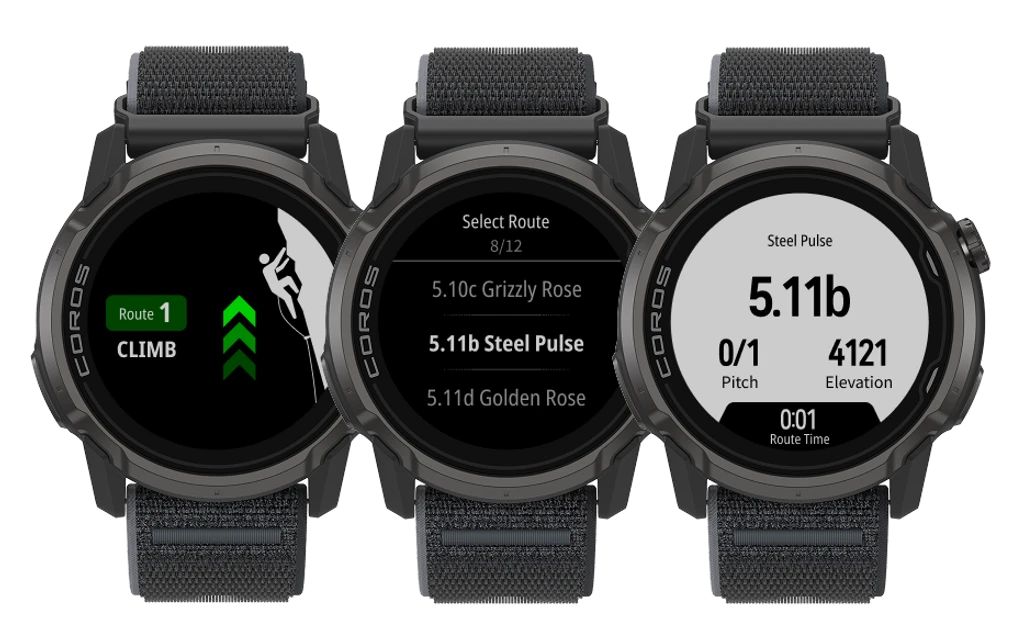
Outdoor Climb Mode can use Superlock, so a bump against the rock won't end your activity mid-route. After you clip the chains or build an anchor, unlock the watch and press the dial. Log your send style, grade and number of pitches, then move into the rest phase. Took a whip? Outdoor Climb Mode automatically detects lead falls and records the distance fallen.
Heading to another route at the same crag? Press the dial and select "Next Route." or choose approach mode to navigate to another wall.
The rest phase is also a good moment to record your beta and gear choices with a Voice Pin, before the excitement of the next pitch.
Descend
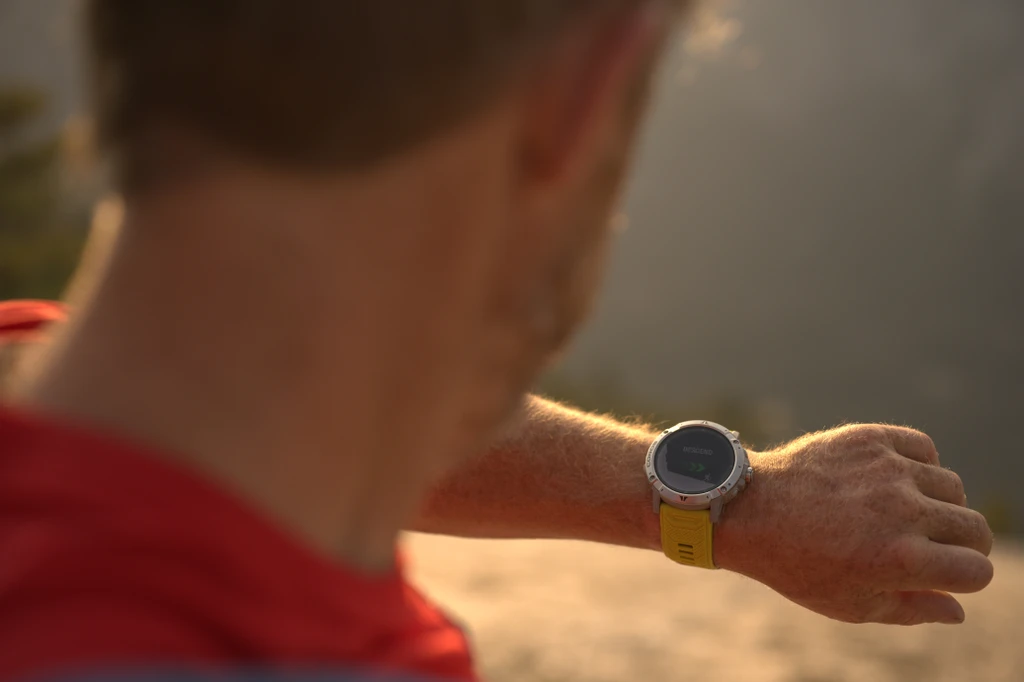
At the end of your climbing day, press the dial, select Descend. Distance, elevation, pace and heart rate are recorded for the walk-off or rappels, with your breadcrumb trail or preloaded GPS track ready to guide you back to the trailhead.
For more information on setting up your COROS watch for outdoor climbing and navigation see: Using Outdoor Climb Mode, How to Get the Most Out of COROS Navigation Features While Climbing and Using Voice Pins and Waypoints
Performance Analysis and Trip Reports, Built Automatically
At the end of the day, sync your activity to the COROS app. Once uploaded, dive into the metrics in the Activity Summary and select photos to sync to the Adventure Journal.
Activity Summary
- Overview: a map of approach, climb, and descent, routes climbed, hardest grade, lead falls, climb and total elevation gain, heart rate and Training Load.
- Breakdown: heart rate and elevation across the day, with markers for when each route began and ended.
- Grade Breakdown: the spread of grades and styles from the session.
- Route details: edit routes after the fact and add names, so you can track a project over time.
- Statistics: filter your Activities page by Outdoor Climb to see volume, grades and consistency across weeks or seasons.
Adventure Journal
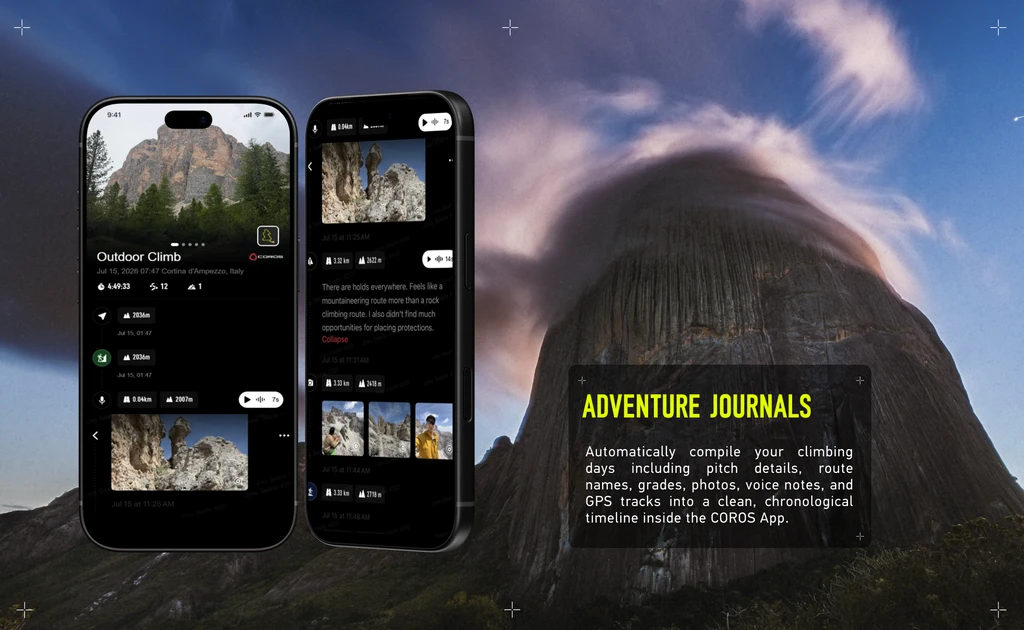
Automatically turn your activity into a trip report with your data, photos, and notes on one timeline.
- Voice Pins: Notes you spoke on the wall land at the exact spot on your GPS track, transcribed to text. APEX 4's built-in microphone lets you record them straight from your wrist.
- Pins: Mark the water source, gear stash or rappel anchor, add a photo, and find it on the map next time.
- Photos & Videos: The app shows the media you captured during the activity, timestamped, so you can choose what to pin to your route.
- Journal Timeline: Share a web link with your route, photos, videos, Voice Pins and stats. Friends don't need a COROS account to view it.
- 3D Flyover: Replay your approach, climb and descent from above, with your photos popping up where you took them.
Already have an APEX 4? Pick Outdoor Climb from your activity list on your next day out and start it at the trailhead. New to COROS? Explore APEX 4 or visit our climbing page.